PRESENT FROM YOUR OWN DEVICE
Walk in. Put your file on the screen. Get on with the meeting.
Open WTF.NOW on the shared screen. Scan the QR code, choose and review your file on your own device, then present and control it from there.
Request a demoSee how it works
SCAN. CHOOSE. PRESENT.
It really is this simple.
The presenter stays on their own device. The shared screen gets only the file they deliberately choose.
Scan
Open WTF.NOW on the screen and scan the one-time QR code.
Choose
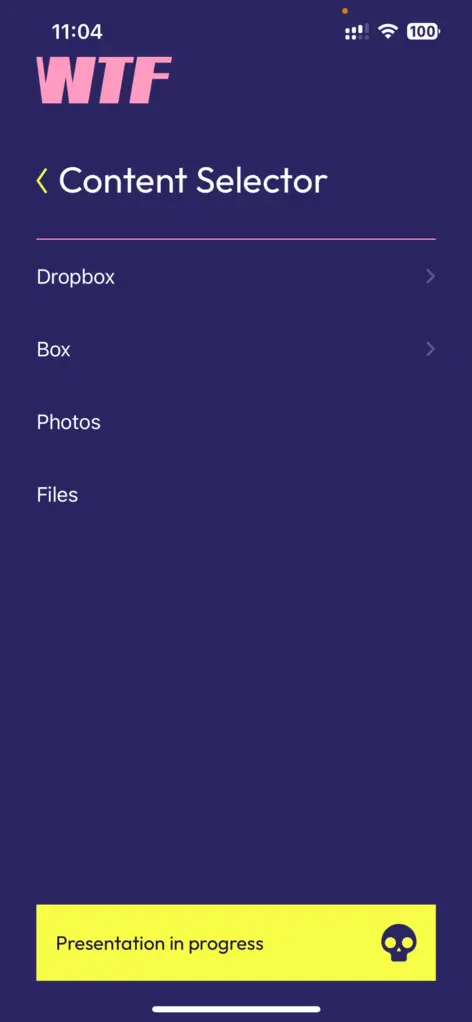
Select from your device or connected cloud storage—and review it privately.
Present
Put the selected file on the screen and control it from your own device.
MEETING-ROOM REALITY
The meeting shouldn’t begin with a scavenger hunt.
BUILT FOR THE ROOM. SENSIBLE FOR IT.
Simple for the presenter. Sensible for IT.
Less friction
No cable swapping, shared keyboard or room-specific ritual to remember.
Less exposure
No personal credentials on the shared computer. No full-screen mirroring.
Less hardware
Use a compatible browser or supported screen app—without another box in every room.
SECURITY & PRIVACY
Specific controls. No security theatre.
The workflow is designed to limit what the room receives and what remains after the session.
COMPATIBILITY
Use the screens and devices you already have.
Presenter
Native iOS and Android apps, plus a browser client for other supported devices.
Shared screen
A compatible browser or dedicated apps for Google/Android TV, Titan OS, LG, Xiaomi and Samsung.
Content
Documents, presentations, spreadsheets and images from the device or cloud storage.
CORPORATE DEMO
See whether WTF.NOW fits your meeting rooms.
No generic sales presentation. We’ll put the product on the screen and show you how it works.