CORPORATE DEMO
Put WTF.NOW on the screen. See the whole workflow.
See Scan → Choose → Present in action, then discuss compatibility, deployment, security and content handling for your environment.
Request my demoEmail us instead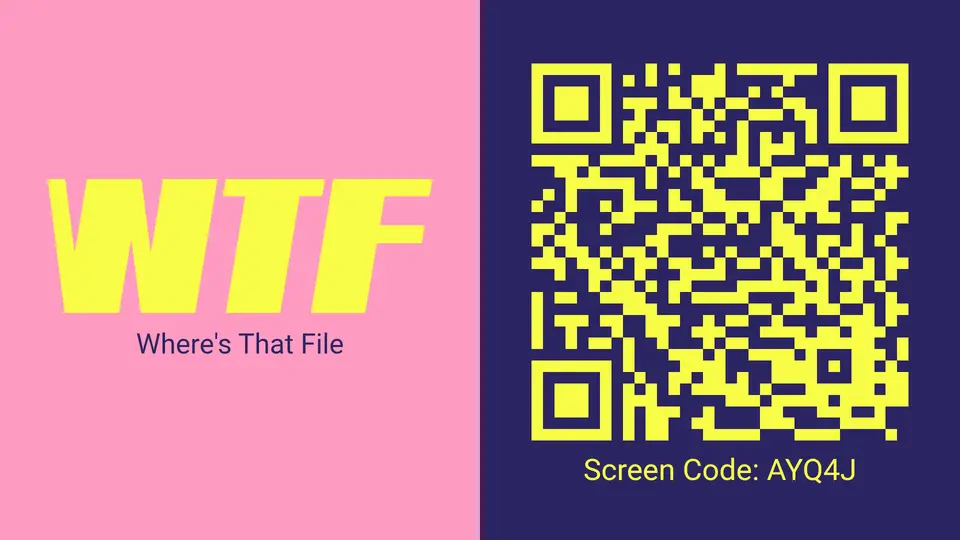
WHAT THE DEMO COVERS
A product demonstration, not a slide deck about the product.
Bring the meeting-room problems you actually need to solve. The session will focus on the parts that matter to your organization.
Presenter workflow
Scanning, selecting, privately reviewing and controlling a presentation from the presenter’s device.
Shared-screen behavior
The QR state, branded waiting screen, presentation state and automatic session clearing.
IT & deployment
Screen compatibility, browser and app options, network boundaries and per-screen deployment.
REQUEST YOUR DEMO
Tell us what the room looks like today.
Cables, shared computers, visitor access, screen mirroring, deployment—or something else entirely?
WHAT HAPPENS NEXT
A useful conversation, shaped around your environment.
We review the request
Our team reviews your organization, role and presentation challenge.
We coordinate the demo
We contact you by email to arrange a suitable time and confirm the useful focus areas.
We test the fit
We demonstrate the actual workflow and discuss whether it suits your rooms and requirements.