THE PRODUCT
One file. One screen. None of the usual meeting-room ritual.
Scan the room’s QR code, choose and review the file on your own device, then present and control it from there.
Request a demo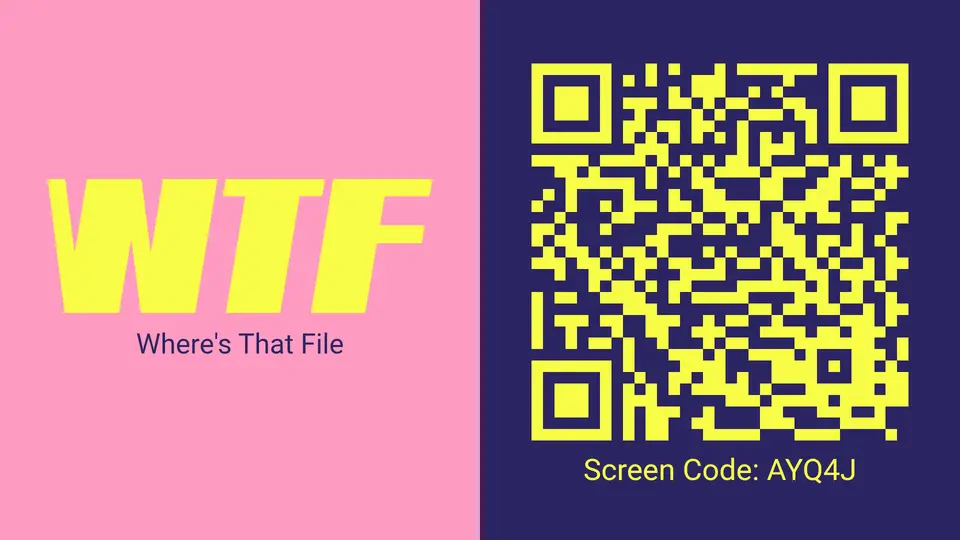
THE COMPLETE JOURNEY
From QR code to presentation, without touching the shared computer.
Open & scan
Launch WTF.NOW on the shared screen and scan its one-time QR code.
Choose & review
Select a file or photo from your device or cloud storage and verify it privately.
Present & control
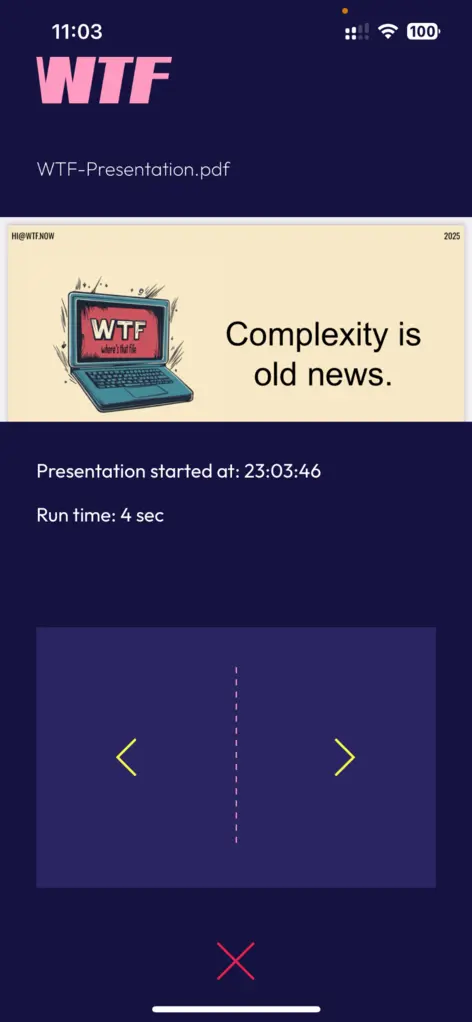
Press Present, then move through the content or end the session from your device.
WHAT THE ROOM SEES
Nothing appears before the presenter is ready.
After the QR code is scanned, the shared screen shows a branded waiting state while the presenter selects and reviews content privately.
Getting your presentation ready
The selected file will appear here when the presenter is ready.
BUILT FOR IT
A presentation system without another room appliance.
Deploy flexibly
Use a supported screen app or a compatible modern browser.
Keep networks separate
The presenter’s device does not need to join the local corporate network.
Avoid shared credentials
Personal email and cloud accounts stay on the presenter’s own device.
SECURITY & CONTENT HANDLING
Specific controls. No security theatre.
COMPATIBILITY
Different devices. One presentation flow.
OPERATIONAL COMPARISON
Pick the problem you would rather manage.
Cables
Simple—until the connector, adapter or room configuration changes.
Shared computer
Creates a place for personal credentials, downloads and leftover sessions.
Full-screen casting
Convenient, but commonly shares more than the intended file.
Room hardware
Purpose-built, but adds appliances to procure and maintain.
WTF.NOW
Uses the presenter’s device and the existing screen to share the selected file.
FAQ
The questions IT usually asks next.
Does the presenter need an account?
Not currently. Registration requirements may change as the service develops.
Does the presenter join the corporate network?
No. Both devices need internet access, but the presenter does not need access to the screen’s local network.
Is this screen mirroring?
No. WTF.NOW presents the selected file rather than mirroring the presenter’s entire screen.
Is dedicated hardware required?
No. A compatible browser or supported screen app can launch the service.
CORPORATE DEMO
See WTF.NOW in the environment that matters: yours.
Bring us the meeting-room problems you actually need to solve. We’ll cover workflow, compatibility, deployment and content handling.