Meeting-room technology has a habit of making simple things unnecessarily complicated.
Someone wants to show a presentation. Five minutes later, the room is discussing adapters, shared-computer passwords, visitor Wi-Fi and who last saw the correct cable.
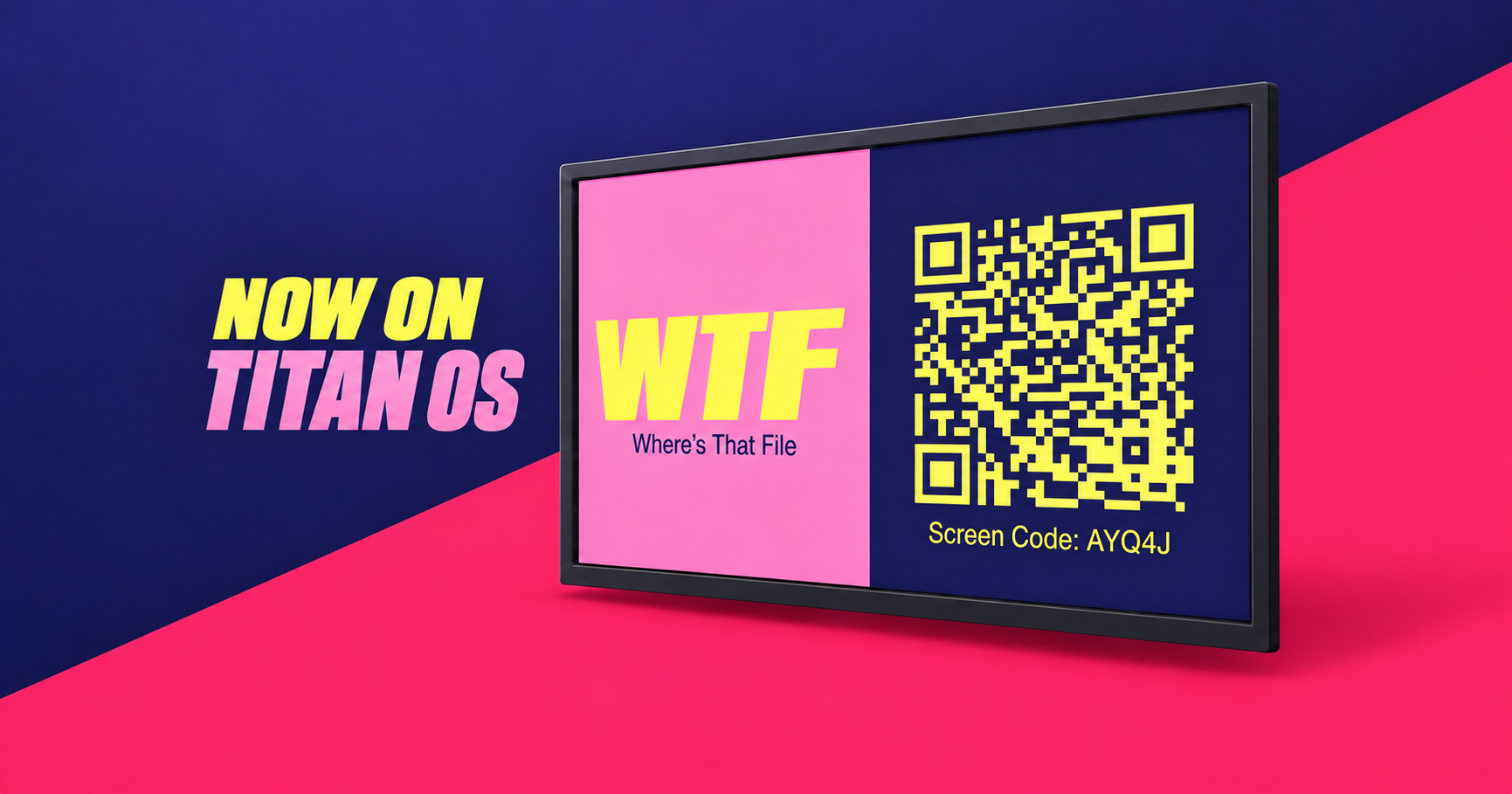
WTF.NOW is now available on Titan OS, giving compatible screens a more direct way to handle the job.
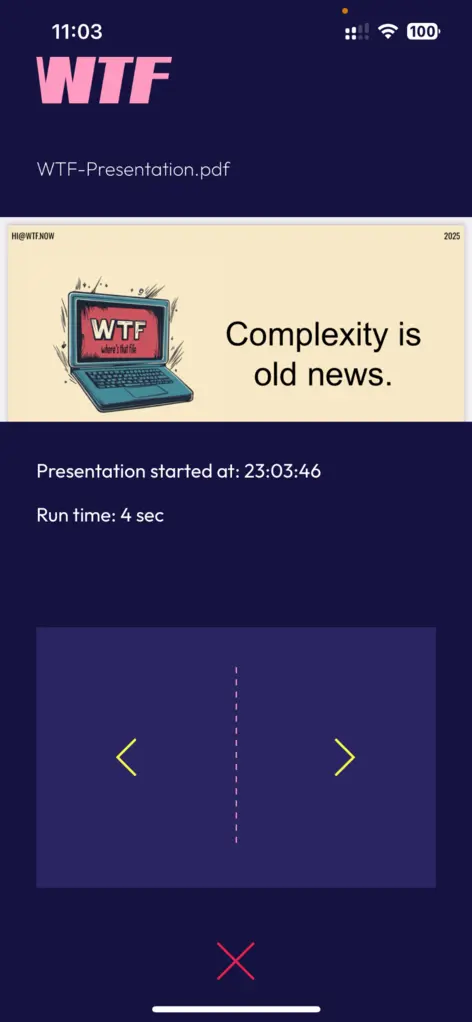
Open WTF.NOW on the screen. Scan the QR code. Choose and privately review the file on your own device. Press Present, then control the presentation from that same device.
The screen gets the file. The meeting gets on with it.
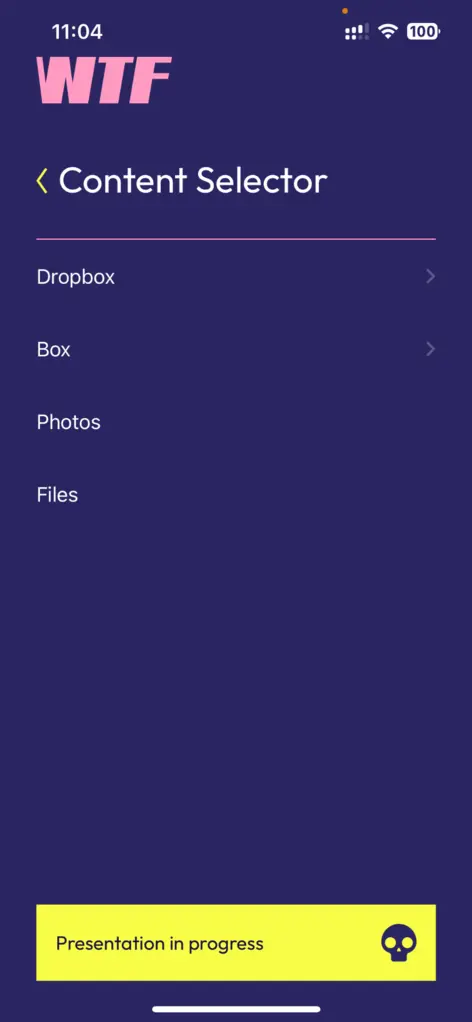
Scan. Choose. Present.
The WTF.NOW workflow is deliberately short:
- Open WTF.NOW on the Titan OS screen.
- Scan the QR code with your device.
- Choose a presentation, document, image or spreadsheet.
- Review the selected file privately.
- Present it on the shared screen and control the session from your device.
There is no need to connect a cable, enter personal credentials on a shared computer, copy the file to a USB drive or give a visitor access to the corporate network.
There is also no need to mirror the presenter’s entire device when the room only needs to see one file.
The screen shows the presentation—not the presenter’s digital life
Full-screen sharing can expose more than the material intended for the meeting: a desktop, open tabs, notifications or the wrong window after one unfortunate click.
WTF.NOW starts from a narrower premise. The presenter selects the file first, reviews it privately and then presents that file.
That distinction matters in shared corporate spaces, particularly when employees, guests and external partners all use the same meeting-room screen.
The presentation traffic is encrypted in transit using TLS 1.3. When the session ends, the presentation content and session state are cleared rather than retained for the next person who uses the room.
A presentation system without another box on the table
Adding WTF.NOW to Titan OS means organizations can use compatible screens without installing separate, dedicated presentation hardware.
For IT teams, that creates a simpler deployment conversation: use the screen already in the room, give presenters a consistent workflow and remove several common workarounds that generate support calls.
For presenters, it means walking into the room with the file on their own device and keeping control of it there.
No cable archaeology. No login roulette. No committee gathered around the remote.
Built for the rooms where presentations actually happen
The Titan OS app extends WTF.NOW to more shared-screen environments, including meeting rooms, huddle spaces, training areas and visitor-facing presentation spaces equipped with compatible screens.
WTF.NOW also supports screen apps for Google/Android TV, Xiaomi and Samsung, while presenters can use the native iOS and Android apps or a browser on other devices.
The goal across those environments is the same: reduce the number of things that must go right before a file appears on the screen.
See the workflow in your own environment
Every organization has its own meeting-room reality: different screens, visitor policies, network boundaries and presentation habits.
See the Scan → Choose → Present workflow and discuss how it could fit your rooms.